
Conversations
A conversation in QARK is a message tree with its own model, tools, context strategy, system prompt, and LLM parameters. Every conversation carries independent configuration — change the model, enable different tools, override the system prompt, all without affecting anything else.
Create a conversation
Section titled “Create a conversation”Cmd+N opens a new conversation. It inherits the default agent and model. Override either immediately in the Config tab or start typing and change later.
New conversations appear as a tab in the active pane and in the sidebar under Ungrouped, sorted by date.
Message operations
Section titled “Message operations”Each message exposes actions on hover:
| Action | What happens |
|---|---|
| Copy | Copies content to clipboard as plain text or Markdown |
| Retry / Regenerate | Re-sends the prompt. Creates a new sibling branch — the original response is preserved |
| Edit | Modify a sent message and re-submit. Creates a new branch from that point with a fresh response |
| Delete | Removes the message. Deleting an assistant message removes all subsequent messages in that branch. Children are re-parented to preserve the tree |
| Fork | Creates an independent copy of the conversation up to this message as a new conversation |
Branching
Section titled “Branching”Regenerating a response or editing a message never overwrites the original. QARK creates a sibling branch — an alternate path from the same parent.
Branch navigator
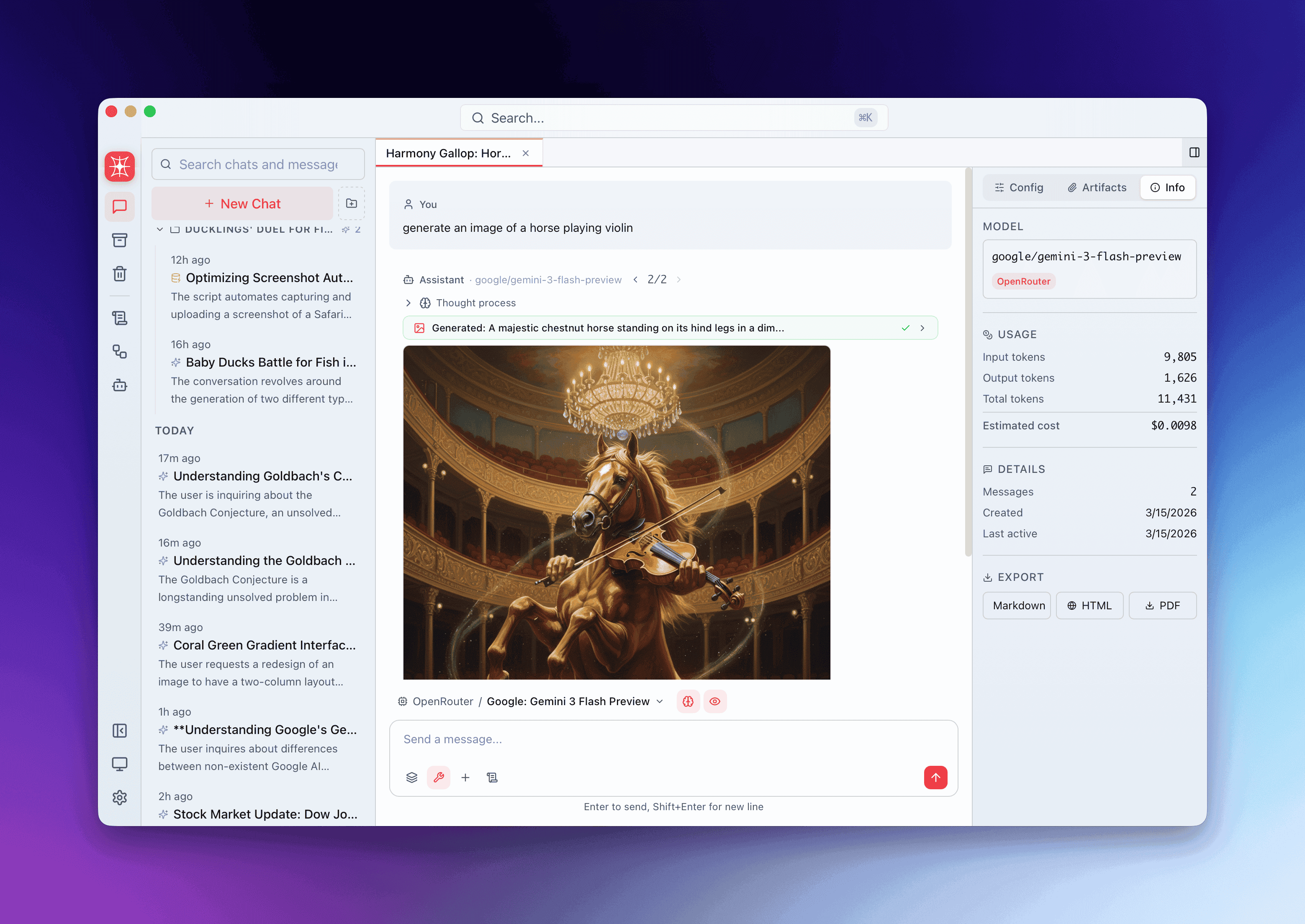
Section titled “Branch navigator”When a message has siblings, a branch navigator appears with an X/Y indicator (e.g., 2/3 — viewing the second of three branches). Arrow buttons step between branches.
Switching branches swaps every message after the branch point. All branches share messages before the divergence and only store the delta — branches are lightweight.
When branches form
Section titled “When branches form”| Action | Result |
|---|---|
| Regenerate a response | New sibling at the assistant message |
| Edit a user message | New sibling at the user message with fresh response |
No limit on how many branches a single message can have.
Forking
Section titled “Forking”Forking creates a new, independent conversation from any message. Unlike branching (which stays within the same conversation), a fork is a separate entry in the sidebar.
Fork behavior is role-aware:
- Fork from a user message → copies all messages before it
- Fork from an assistant message → copies up to and including it
The fork inherits the source conversation’s config overrides and context strategy. If the source conversation isn’t in a group, QARK creates a new group and pins the original to it — keeping related conversations together.
Per-conversation configuration
Section titled “Per-conversation configuration”Every conversation can override its agent defaults via the Info Panel → Config tab:
| Setting | What you can override |
|---|---|
| Agent | Switch to a different agent (auto-enables its required tools) |
| Model & provider | Any connected model, mid-conversation |
| System prompt | Append to or replace the agent’s prompt |
| Temperature, max_tokens | Tune generation behavior |
| Thinking | Enable/disable chain-of-thought reasoning |
| Enabled tools | Toggle individual built-in, MCP, and agent-tools |
| Context strategy | auto_compact, last_n, first_n, all, none, or token_budget — with sub-parameters |
| RAG settings | Override embedding model, RAG gen model, reranker, similarity threshold |
| Image/video generation | Override generation model and provider |
| Unix working directory | Set per-conversation working directory for shell commands |
| Agent-tool overrides | Per-sub-agent: override tools, system prompt, provider, model, LLM params |
| Additional LLM params | top_p, frequency_penalty, presence_penalty, reasoning_effort, seed — driven by model registry |
Override dots mark every parameter that differs from the agent baseline. Changes debounce-save after 400ms.
Auto-naming
Section titled “Auto-naming”QARK generates conversation titles using an embedded Phi-3.5 Mini model running locally — no API call, no cost. For short conversations (6 messages or fewer), it reads all messages. For longer ones, it uses the first user message plus the last 3 exchanges.
Rename manually by double-clicking the title in the sidebar. Regenerate Name in the context menu generates a fresh title.
Search
Section titled “Search”FTS5 full-text search indexes every message across all conversations. Results are ranked: title and description matches appear first, then message content matches. Each result shows a snippet (first 200 characters) and links directly to the message.
Search excludes archived and trashed conversations. Maximum 50 results per query.
Export
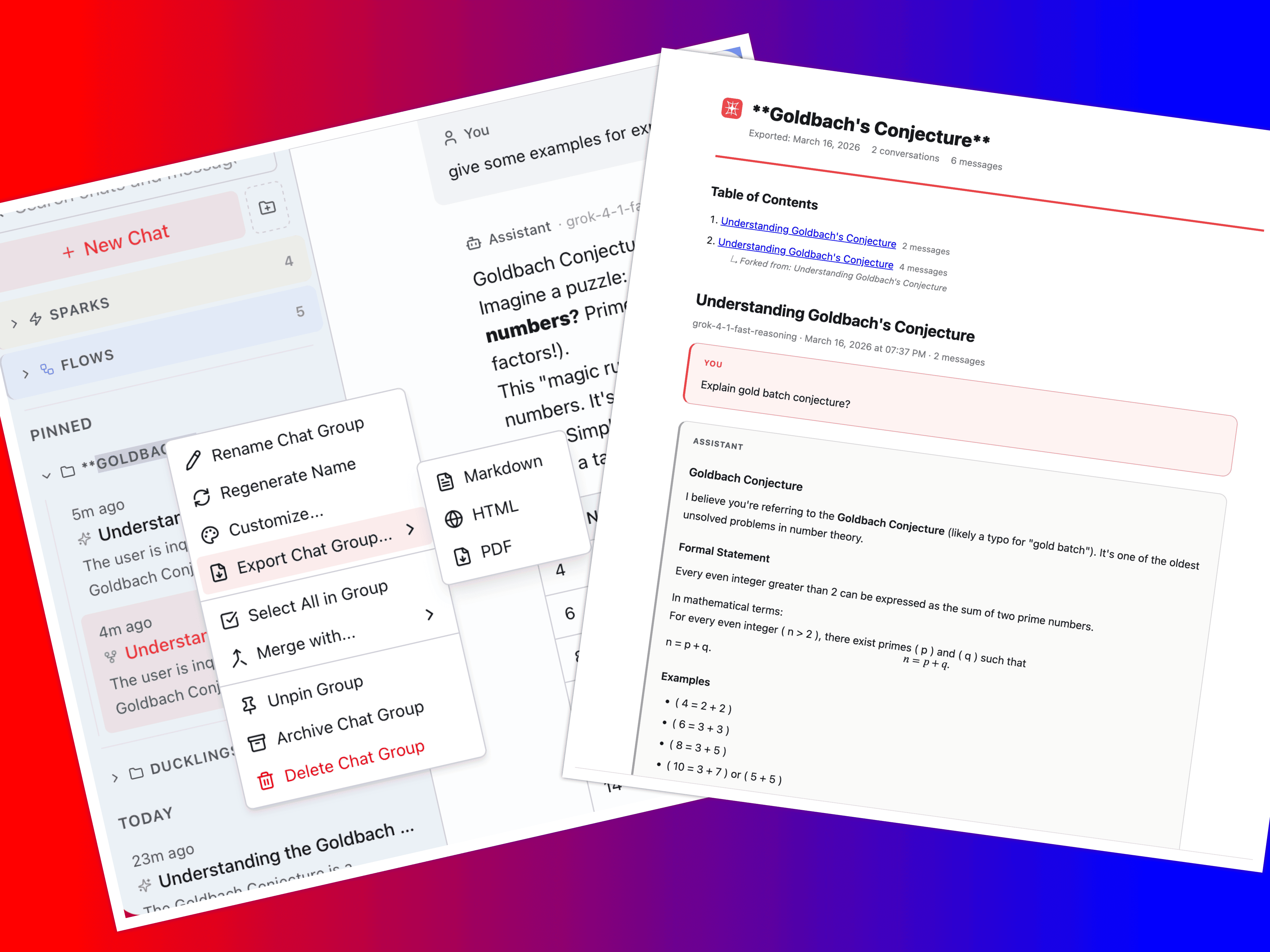
Section titled “Export”Export any conversation in three formats:
| Format | Details |
|---|---|
| Markdown | .md file with message roles, timestamps, and code blocks preserved |
| HTML | Styled document, renders in any browser |
Generated via headless browser (Chrome, Brave, Edge). Creates a {name}_assets/ folder for embedded images and generated files |
Exports include all branches and regenerations at each message position — not just the active thread. You can also export an entire group (all conversations in a folder) or a single message.
Archive and trash
Section titled “Archive and trash”Two-stage soft-delete:
- Archive — hides from the sidebar. Remains searchable. Restore anytime from the Archive view. Removed from its group.
- Trash — soft-deletes with a timestamp. Appears in the Trash view. Restore or permanently delete. Nothing is lost until you explicitly empty the trash.
Permanently deleting a conversation also cleans up associated attachment, document, and media directories.
Batch operations
Section titled “Batch operations”Select multiple conversations to act on them together:
- Cmd+Click — toggle individual conversations
- Shift+Click — select a contiguous range
The selection bar appears with available actions:
| Action | Effect |
|---|---|
| Group | Create a new group and move selected conversations into it |
| Move | Move to an existing group |
| Archive | Archive all selected |
| Trash | Move all selected to trash |
| Restore | Restore from trash or archive |
All batch operations are reversible — archived conversations can be unarchived, trashed ones can be restored.