Your First Conversation
Create a conversation
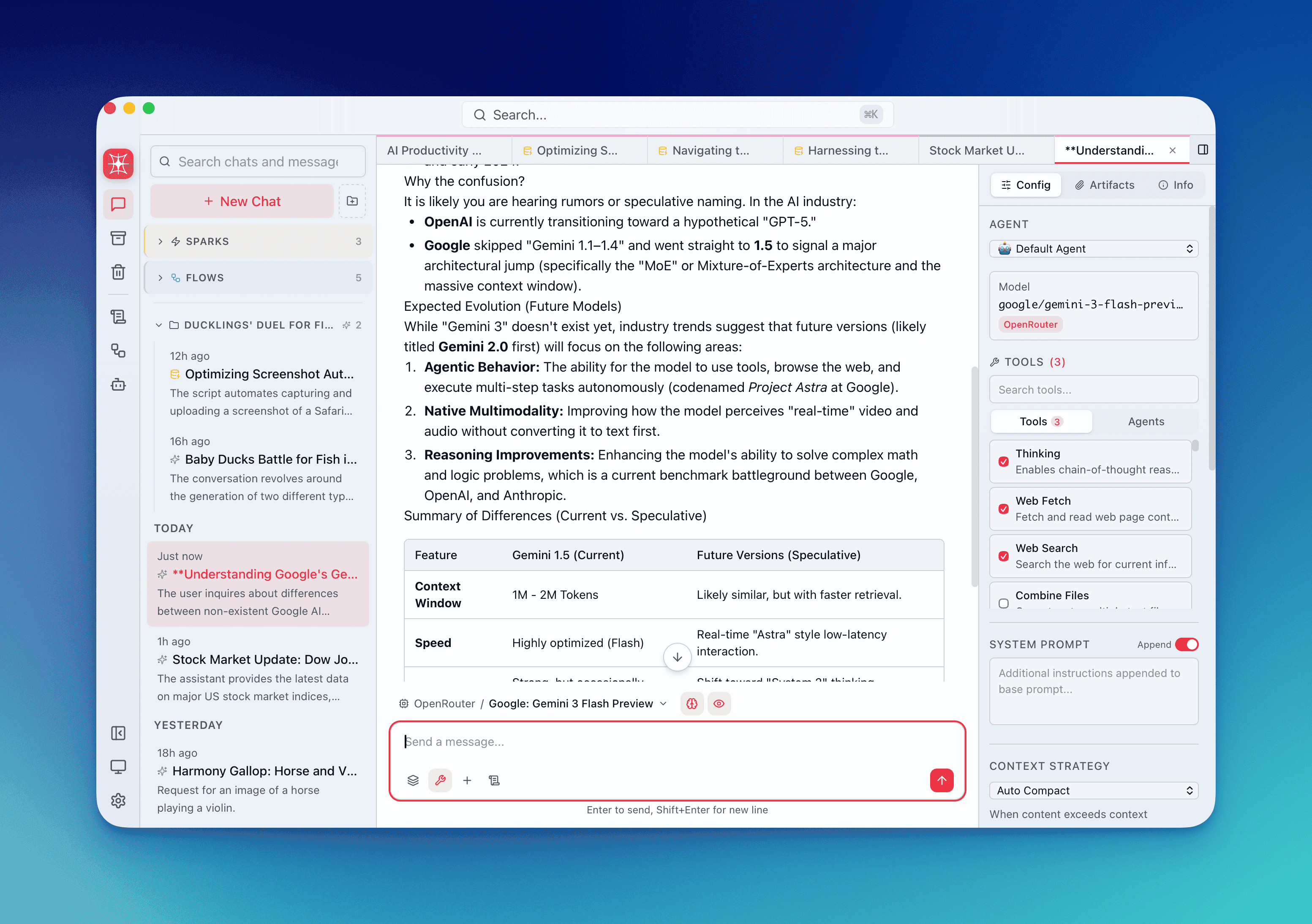
Section titled “Create a conversation”Press Ctrl+N / Cmd+N. A blank conversation opens with the composer focused. It appears in the sidebar — you can drag it into any group later.
Pick a model
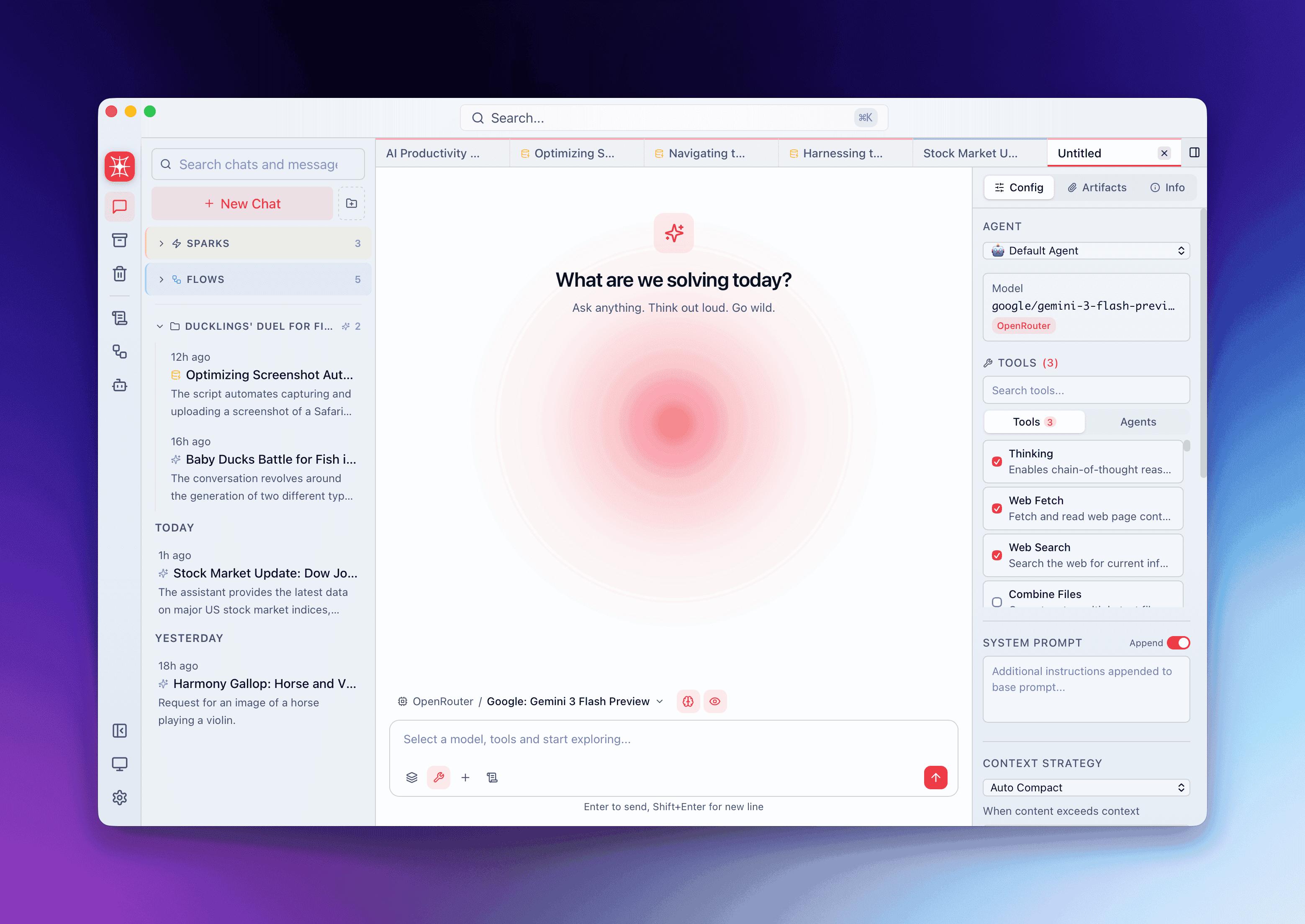
Section titled “Pick a model”Click the model picker above the composer. Models are grouped by provider, each with a provider icon and accent color. Select one — its name appears as a badge above the composer.
You can switch models between messages. QARK tracks which model generated each response independently.
Send a message
Section titled “Send a message”Type your prompt and press Enter to send. The response streams in real time.
| Action | Default key |
|---|---|
| Send | Enter |
| Newline | Shift+Enter |
You can change this in Settings → General → Send Behavior — swap Enter/Shift+Enter, or require Ctrl+Enter / Cmd+Enter to send.
Response metadata
Section titled “Response metadata”Every response shows a metadata badge with:
| Field | What it shows |
|---|---|
| Model | Exact model used (e.g. claude-sonnet-4-20250514) |
| Input tokens | Tokens sent to the API |
| Output tokens | Tokens the model generated |
| Thinking tokens | Chain-of-thought tokens, if the model supports extended thinking |
| Cost | USD cost of this message, based on the provider’s per-token pricing |
Metadata is stored per-message. When you switch models mid-conversation, each message retains its own model and cost.
Three tools are enabled by default on every new conversation:
- Web Search — searches the web using your local browser. No API key required.
- Web Fetch — fetches and extracts content from URLs. No API key required.
- Thinking — extended chain-of-thought reasoning (on models that support it).
The model uses these automatically when relevant — no action needed from you.
To add more tools, type @ in the composer to open the tool picker:
@document-search— queries attached documents via RAG with inline citations.@image-generation— generates an image from your prompt.@unix-commands— runs sandboxed read-only shell commands (grep, find, ls, etc.).
Selected tools appear as pills in the composer. You can also enable or disable tools per-conversation in the Info panel → Config tab.
Auto-naming
Section titled “Auto-naming”After the first exchange, QARK generates a conversation title using an embedded model that runs locally — no API call, no cost. The name appears in the sidebar and tab bar. Double-click to rename.