
Combine Files
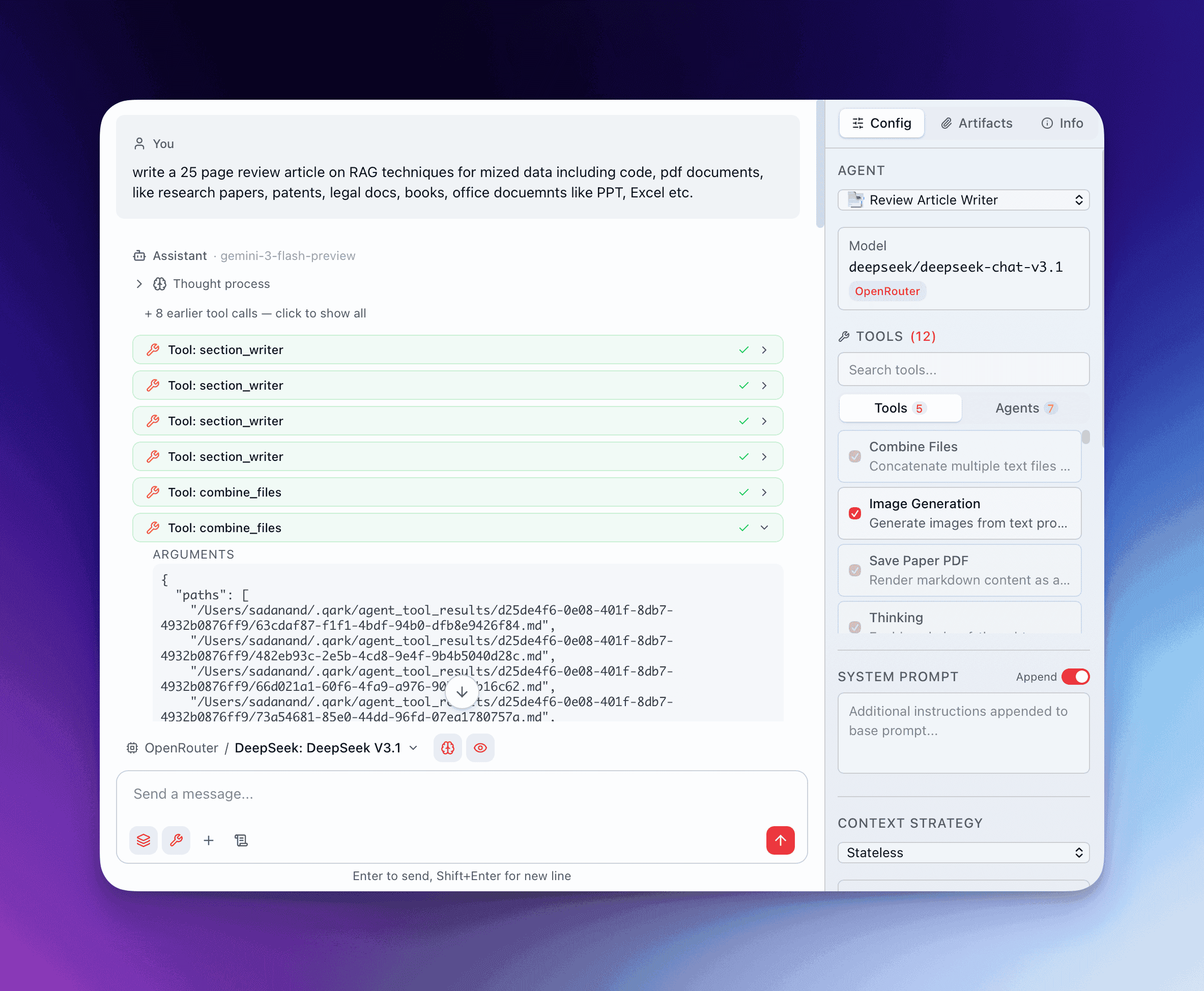
Type @combine-files in the composer to make the file merger tool available. The agent reads multiple files from disk, concatenates their contents, and writes the result to a single output file. This is a pipeline utility — the combined content goes to a file on disk, not directly into the conversation context.
How It Works
Section titled “How It Works”The agent provides an ordered list of file paths. QARK reads each file, joins them with a separator (default: two newlines), and writes the result to either a specified output path or a temporary file. The tool returns metadata about the operation:
- Output file path — where the combined file was written
- Files combined — how many files were successfully read
- Word count — total words in the combined output
- Errors — any files that couldn’t be read (missing, permissions, etc.)
Parameters
Section titled “Parameters”| Parameter | Required | Description |
|---|---|---|
paths | Yes | Array of file paths to combine, in order |
output_path | No | Where to write the result. If omitted, QARK creates a temp file |
separator | No | Text inserted between files. Defaults to two newlines |
expected_count | No | Validation — if the number of successfully read files doesn’t match, the tool returns an error |
Validation
Section titled “Validation”If expected_count is set and the actual number of successfully read files doesn’t match, the tool fails with an error listing which files couldn’t be read. This is useful in agent pipelines where missing files should halt the workflow rather than produce incomplete output.
When Agents Use This
Section titled “When Agents Use This”This tool is primarily used by agent-tools (sub-agents) in multi-step workflows rather than directly by users. Common patterns:
Assemble Research Results
Section titled “Assemble Research Results”A research orchestrator dispatches multiple sub-agents that each write findings to separate files. The orchestrator then combines them into a single document for final synthesis.
Merge Agent-Tool Outputs
Section titled “Merge Agent-Tool Outputs”When an agent-as-tool pipeline produces intermediate files (analysis results, extracted sections, transformed data), combine_files merges them into a single file that the next stage can process.
Prepare Documents for Export
Section titled “Prepare Documents for Export”Combine multiple markdown sections into a single file before passing it to @save-paper-pdf for PDF generation.